AI pet birthday cards: how to make one that actually looks like your dog
Generic card makers paste a stock dog onto a template. Here's how custom-trained AI puts YOUR pet on the card, in any style, in under five minutes.
The PawModel Team
June 16, 2026 · 9 min read
AI pet birthday cards: how to make one that actually looks like your dog
It's the morning of Haley's birthday and you want to send something better than a stock card with a generic golden retriever pasted on it. Every template-based card maker pulls from the same library of breed clip-art, so the dog on the front is, in the most literal sense, not your dog. You want your dog. The black smudge over her left eye. The way her ears tilt forward when she's listening. The slight underbite she's had since she was a puppy.
The shortcut most people reach for is a stock-photo card site (Canva, Greetings Island, Punchbowl) with a "pet birthday" template. The shortcut produces a card with a generic dog on the front and your pet's name in the caption. That's fine. It is not, however, a card of your pet.
A custom-trained AI flips that relationship. You teach it your pet once, then every birthday card recipe puts that specific pet on the front. Same face. Same markings. Same goofy expression. Whatever style you pick (vintage, comic-book, watercolor, photo-real), the subject is unmistakably yours.
Here's the practical walkthrough, the five traps that produce a "random dog" result, and the part of the workflow most people get wrong.
What a real AI pet birthday card workflow looks like
The whole job is three steps. Sign up. Train the AI on your pet (optional but it's the single biggest quality lever). Pick the birthday-card recipe and hit generate.
Training takes about ten minutes of upload time and another ten of the system fitting an adapter on top of a general image model. The technical name for that adapter is a LoRA, and you don't need to think about it any more than you'd think about codecs when sending a text message. What you do think about is the photo set, because the photos are the entire input to "what makes my pet recognizable as my pet."
Once training is done, the birthday-card recipe is a single tap. The recipe is a pre-engineered prompt (composition, lighting, framing, party motifs, banner styling) that's been tuned on hundreds of generations to land on something that reads as "birthday card" and not "AI art with a hat pasted on." Your custom adapter rides on top of that prompt, so the dog on the card is yours, in the recipe's style.
Total time, photos already on your phone: about fifteen minutes for the first card. About thirty seconds for every card after that, because the adapter is reused.
The five traps that produce a generic dog
Almost every time someone says "the AI didn't get my dog right," the cause is in the photo set. The model is doing exactly what you asked. The problem is that the photo set didn't actually teach it what you meant.
The first trap is volume. People upload three photos and expect a small dataset to outperform a model trained on a hundred million dogs. Identity needs a signal that's consistent across many images. Aim for ten to twenty photos and the model has enough samples to separate "the dog" from "the lighting", "the angle", "the background."
The second trap is angle uniformity. Twenty photos of the same eye-level, head-on, indoor-lighting shot is functionally one photo with twenty copies. The model sees no variation, learns one frozen pose, and then breaks the moment the recipe wants a 3/4 angle or a side-view. Mix angles. Front, profile, 3/4, full body, sitting, standing. We wrote a full breakdown of the 10 photos that actually train a recognizable AI of your pet and the angle mix is the single biggest predictor of birthday-card quality.
The third trap is occlusion. Photos with the dog in costume, behind a fence, half-hidden behind a couch, or with someone's hand covering half their face all teach the model that "this pet" includes the costume or the hand. The result: every birthday card you generate has a faint memory of that one Halloween cape. Use clean photos with the pet's full face visible.
The fourth trap is reference-photo workflows masquerading as training. Some tools (Midjourney --cref, ChatGPT image generation with a reference) let you attach a photo at generation time and call it customization. It's not. It's a hint, not a memory. You can sometimes get one decent card out of it, but the moment you ask for a second card in a different style, the likeness drifts and you're back to a generic dog with your pet's name typed underneath. We covered the deeper technical reason in why generic AI tools can't generate your pet. For birthday cards specifically, the practical tell is consistency: a real custom-trained model produces twenty cards of the same dog, a reference workflow produces twenty cards of a similar-looking dog.
The fifth trap is the prompt itself, and this is where recipes earn their keep. "Cute dog birthday card, balloons" produces a mediocre card from any image model. A recipe-grade prompt specifies composition (subject centered, balloons left and right, banner top), color palette (warm pastels, a touch of confetti), camera framing (medium shot, eye-level), and a dozen other things the user shouldn't have to think about. If you're rolling your own card with a general image tool, you'll spend three hours iterating on the prompt to land where a recipe lands in one tap.
Picking a card style without overthinking it
The fastest answer is to look at where you're sending the card. A card going on Instagram or in a text thread wants something visually loud (comic book, superhero, vintage poster) so it pops in the feed. A card going on the fridge or framed as a gift wants something soft (oil painting, watercolor, storybook illustration) that holds up at glance distance.
A few rules of thumb that work across recipes:
If your pet has distinctive markings (a heterochromia eye, a patchy ear, a heart-shaped chest patch), pick a high-detail style. Photo-real, oil painting, and storybook illustration all preserve fine markings. Anime and superhero recipes will simplify them.
If your pet is solid-color (all black, all golden, all gray tabby), pick a style with strong silhouette. Comic-book, vintage poster, and stylized watercolor all lean on shape, so the lack of marking detail isn't a problem.
If you're between styles, the oil-painting birthday card is the safe default. It works for every coat color, every breed, every age. It's the most-generated single recipe for a reason.
What about cats
The whole approach works for cats with one caveat: cats are harder to photograph at varied angles because they don't sit still on cue. If you have fewer than ten usable photos of your cat, the model will still produce a recognizable card, but the consistency across a series drops. The fix is patience and a phone camera ready when the cat is asleep or doing the loaf pose. Both are great training photos.
The single best photo of a cat for training is a 3/4 angle in even daylight with the eyes clearly visible. If you only have one good photo, make sure it's that one.
Cost math, briefly
A single birthday card is one credit. New accounts get two free credits at signup, which is enough for one card and one second generation if the first one doesn't quite land. The Starter Pack ($14.99 one-time) includes the optional pet training plus twenty-five portraits. For one-off use, the free credits get the job done. For multiple pets, multiple occasions per year, or for someone who wants a card library to draw from over time, the Monthly subscription ($14.99/mo for sixty credits with rollover) is the better math because the training cost is amortized over the year.
There's no per-card pricing surge. The recipe pipeline costs the same in February as it does in December. Cards generated on the same day take roughly thirty seconds each after the model is trained.
Frequently asked
Will the AI get my dog's exact face shape right? With ten to twenty photos covering multiple angles, yes. Face shape and proportions come from the full-body and profile shots; expression and markings come from the close-up portraits. Without enough variety, the model defaults to breed-stereotype shape.
Can I make a card with two pets? Yes, by training the model on both. Each pet needs its own ten to twenty photos (don't mix them in one upload). Multi-pet recipes use both adapters together. Composite recipes like Pet with Friends are built for this.
What if I only have iPhone photos? That's actually preferred. Modern phone cameras produce sharp, well-exposed images, and the variety from a single iPhone library tends to be richer than a single DSLR shoot. The model doesn't care about the camera; it cares about the diversity of angles and lighting.
Does the card include text I can customize? The recipe generates the visual. Text overlays (the dog's name, the birthday number, "Happy Birthday Haley!") are added after generation in the editor, not baked into the AI output. This is intentional: text rendered inside AI-generated images tends to come out garbled, so we keep the typography clean and editable.
How do I print it? Every generated card downloads as a high-resolution PNG ready for home printing on standard cardstock, or for upload to any print-on-demand service. Standard greeting-card dimensions (5x7) are the default.
Pet birthdays are once a year. Make the card actually look like them
The thing that makes a pet birthday card land isn't the style. It's that the dog on the front is recognizable as your dog. Generic templates and reference-photo workflows can get you close but not all the way. A custom-trained model gets you all the way, in any style, in under five minutes.
Two free credits are waiting at signup. Train on the photos already in your camera roll, pick the birthday-card recipe, and send the card that actually looks like Haley.
More from the journal.
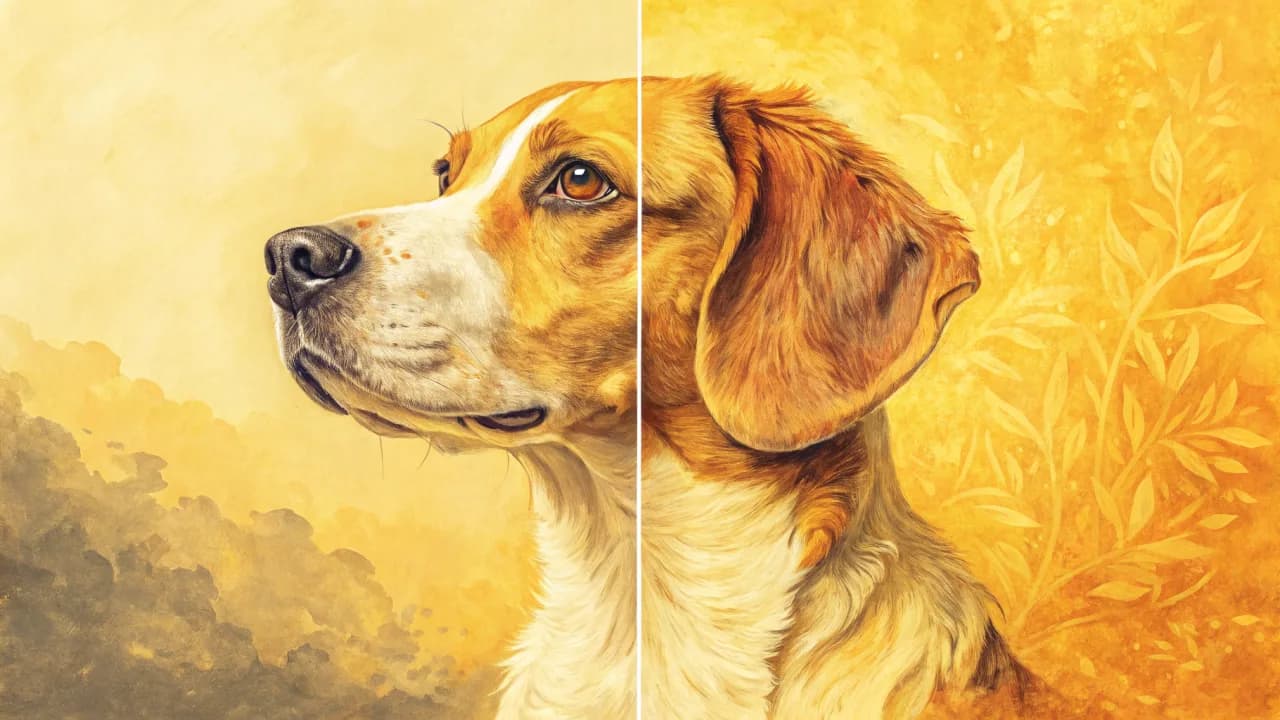
Oil Painting of Dog from Photo: Custom AI vs Hand-Painted Portraits
Looking for an oil painting of dog from photo? We compare hand-painted commissions vs custom AI portraits that preserve your pet's unique identity and charm.
Pet Portrait Gift Ideas: How to Choose a Present That Captures Their Pet's True Personality
Pet portrait gift ideas that truly capture a loved one's pet. Compare hand-painted and AI options, styles, formats, and tips for picking the perfect gift.
Custom Pet Portrait From Photo: The Complete Guide to Getting Art That Actually Looks Like Your Pet
Want a custom pet portrait from photo that preserves your pet's unique face and markings? We compare AI, hand-painted, and DIY options. See what works.